Know when something puts your business at risk.
CFA ai-Watch helps you spot unusual digital activity, understand what matters, and decide what to do next.
Discuss ai-Watch
Your team relies on email, shared files and connected devices every day. ai-Watch brings relevant security activity into clearer view, helping you focus attention where your business needs it. Use those insights to guide a focused conversation with your IT team.
Everyday situations. Real business concerns.
Is someone using my employee’s account?Review unusual account access

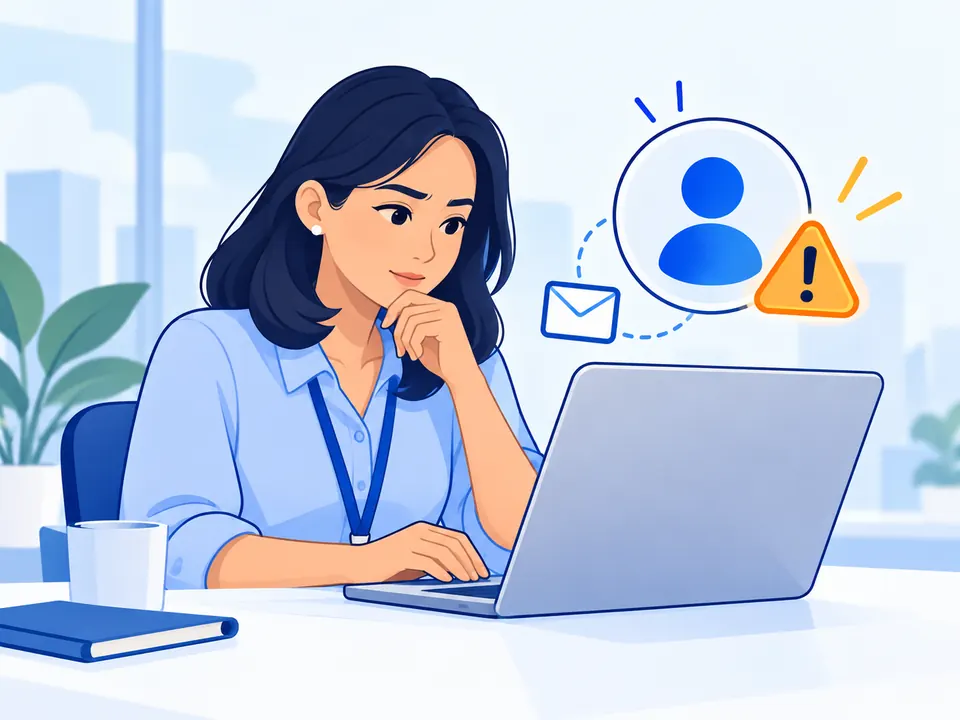
An employee’s email account could become a doorway to customer conversations, payment requests and sensitive information.
Unexpected sign-ins or mailbox changes can reveal access that needs a closer look.
Understand which account needs attention and prioritise investigation before the impact grows.
Are company files reaching the wrong people?Check unexpected file sharing


A customer list, contract or business document shared unexpectedly can put trust and valuable information at risk.
Unusual downloads or external sharing can highlight activity worth reviewing.
See where to focus your review and make informed decisions about access and sharing.
Are gaps in our devices leaving us exposed?Identify device protection gaps


A work device with missing protection can leave everyday operations exposed to avoidable disruption.
Available device security information and warnings help identify protection gaps.
Prioritise the devices and improvements that need attention, rather than guess where to start.
These examples illustrate business risks; coverage depends on the security information available in your environment.
How it works
See activity
Connect the agreed security information.
Identify concerns
Highlight unusual activity and protection gaps.
Understand your next steps
Receive clear findings and priorities for review.
What information does ai-Watch use?
- Sign-ins
- File sharing
- Mailbox changes
- Device warnings
- Security alerts
ai-Watch reviews agreed security information, such as sign-ins, file sharing, mailbox changes, device warnings and security alerts. Microsoft 365 is the starting point; coverage depends on licences, permissions and available logs.
Human investigation and remediation support depend on the agreed service scope.
Start with the risks that matter to your business.
Tell us what you want to protect and where you need greater visibility. We’ll discuss how ai-Watch could fit your business.
Discuss ai-WatchA four-week proof of concept (POC) is available as an evaluation option, subject to agreed scope.
Explore partnership opportunities